
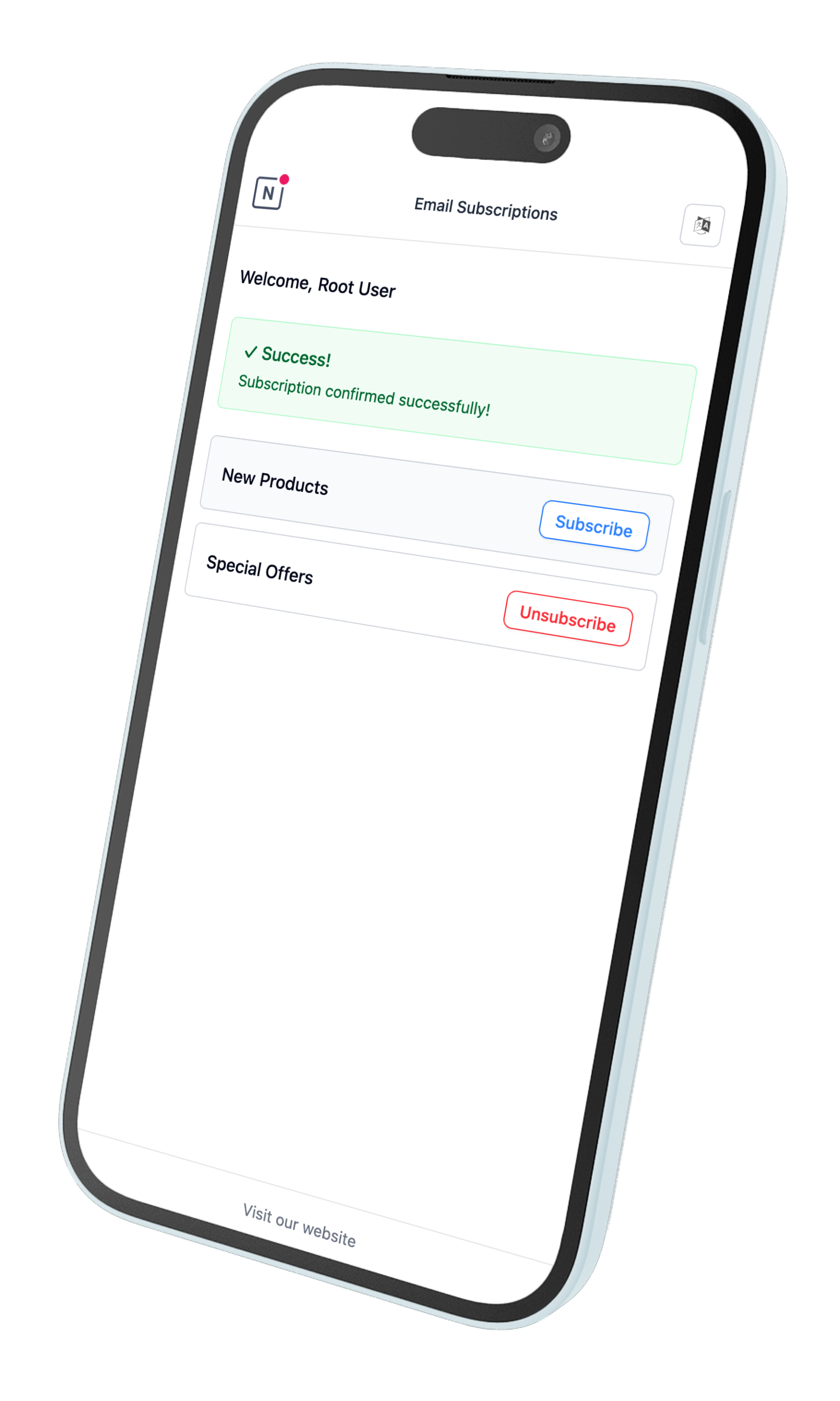
Features
Automatic Rendering
- Displays automatically when users click unsubscribe links
- Mobile-responsive design
- No configuration required
Multi-Language Support
Automatically detects browser language and displays content accordingly. Supported languages:- English (en)
- French (fr)
- Spanish (es)
- German (de)
- Chinese (zh)
- Hindi (hi)
- Arabic (ar)
- Portuguese (pt)
- Russian (ru)
- Japanese (ja)
- Polish (pl)
Subscription Management
Users can:- View all public lists, and the private lists they are active or pending on
- Subscribe/unsubscribe with one click
- Leave a private list, which then disappears from their preferences. Only the workspace can add them back (see Private Lists).
- See real-time feedback messages
Unsubscribe from the Mail Client
Broadcasts, and emails sent by automations attached to a list, carry theList-Unsubscribe and List-Unsubscribe-Post headers (RFC 8058), so Gmail, Yahoo, Outlook and other mail clients can show their own Unsubscribe button next to the sender:
- One-click: when the mail client offers one-click unsubscribe, the contact is unsubscribed from the list right away. The contact’s click on the mail client’s button is the confirmation.
- Opened in a browser: mail clients that don’t offer one-click open the link instead. The notification center then shows the list and asks the contact to confirm, because anti-spam filters also open these links on their own.
Configuration
Branding
The notification center uses:- Logo from workspace settings
- Website URL from workspace settings
Technical Details
User Flow
What happens depends on the link the contact followed:- Unsubscribe link in the email (
{{ unsubscribe_url }}): the contact is unsubscribed from that list as soon as the page opens, and the page confirms it. They can then manage their other lists. - The mail client’s Unsubscribe button: unsubscribes in one click, or opens a page that asks the contact to confirm, as described in Unsubscribe from the Mail Client.
- Preferences link (
{{ notification_center_url }}): shows the contact’s lists, and each subscribe or unsubscribe applies immediately.
Implementation
- Cross-browser compatible
- Responsive design
- Secure subscription handling
- Error handling with localized messages