
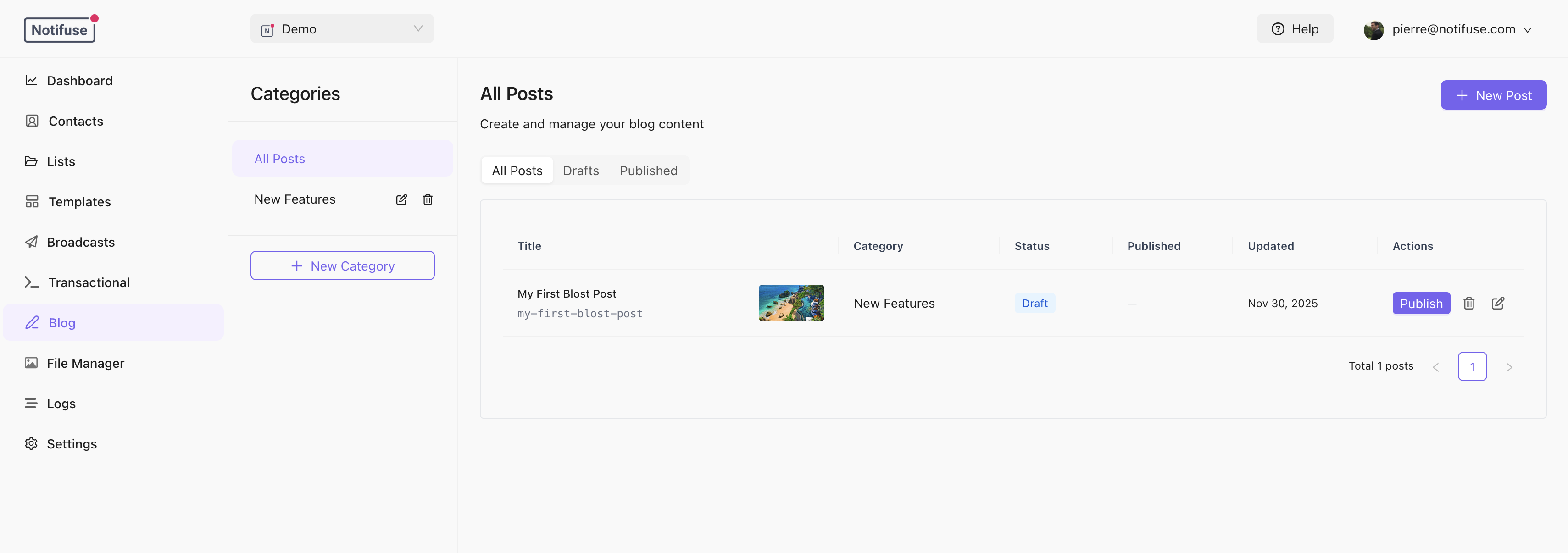
Categories
Posts are organized into categories. Each category has:- Name: Display name
- Slug: URL identifier (lowercase, hyphens only)
- Description: Optional description
- SEO Settings: Default SEO for posts in this category
Creating Posts
- Select a category from the sidebar
- Click New Post
- Fill in the post details
- Save as draft or publish
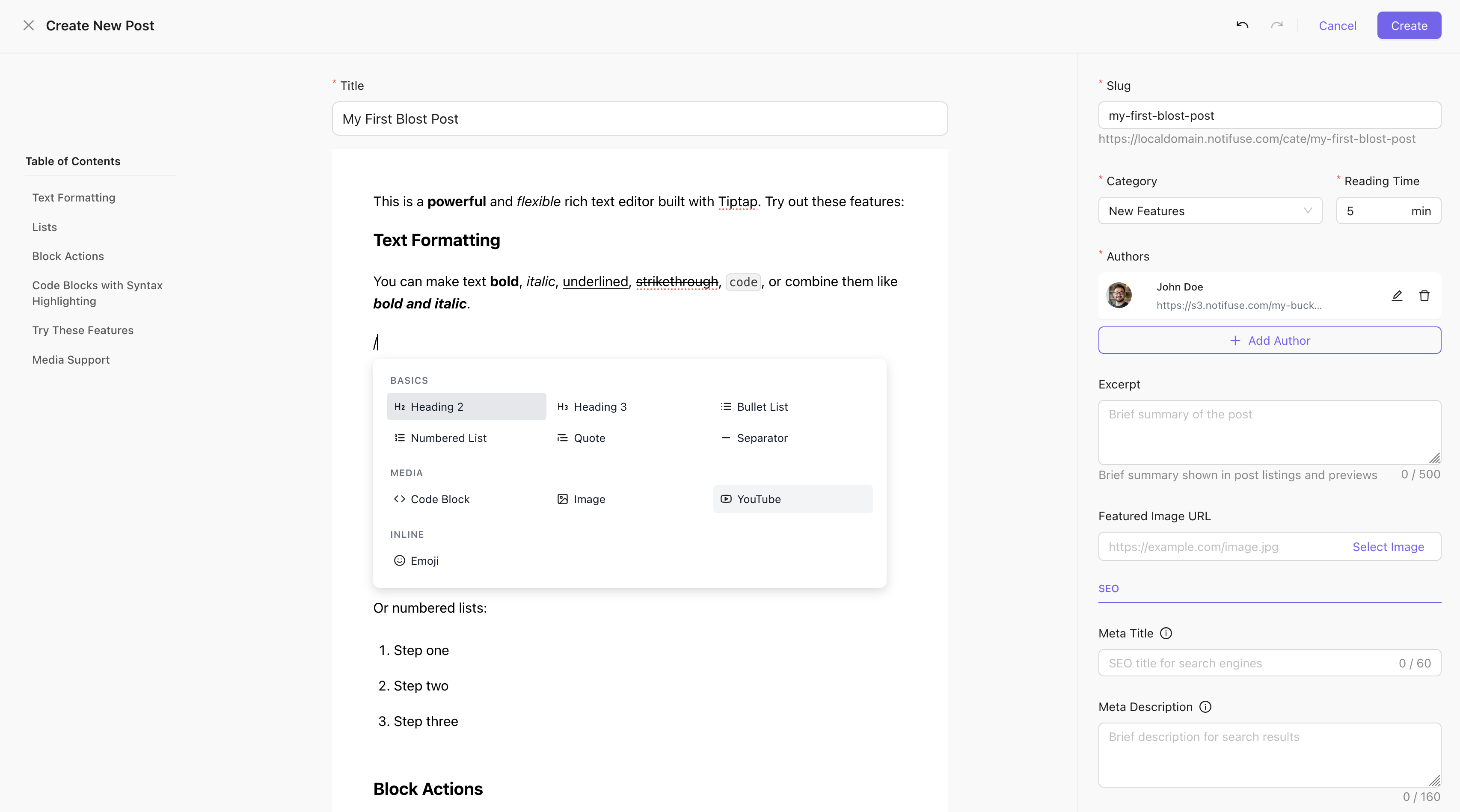
Post Fields
Publishing
Publish Now
Click Publish to make the post live immediately.Schedule
Set a futurepublished_at date to schedule publication:
- Click Schedule
- Select date and time
- Choose timezone
- The post goes live automatically at the scheduled time
Unpublish
Click Unpublish to revert a post to draft status.SEO Settings
Each post can override category and blog-level SEO:
SEO inheritance: Post > Category > Blog defaults
Post URLs
Posts are accessible at:https://blog.example.com/announcements/new-feature-launch