
Enabling the Blog
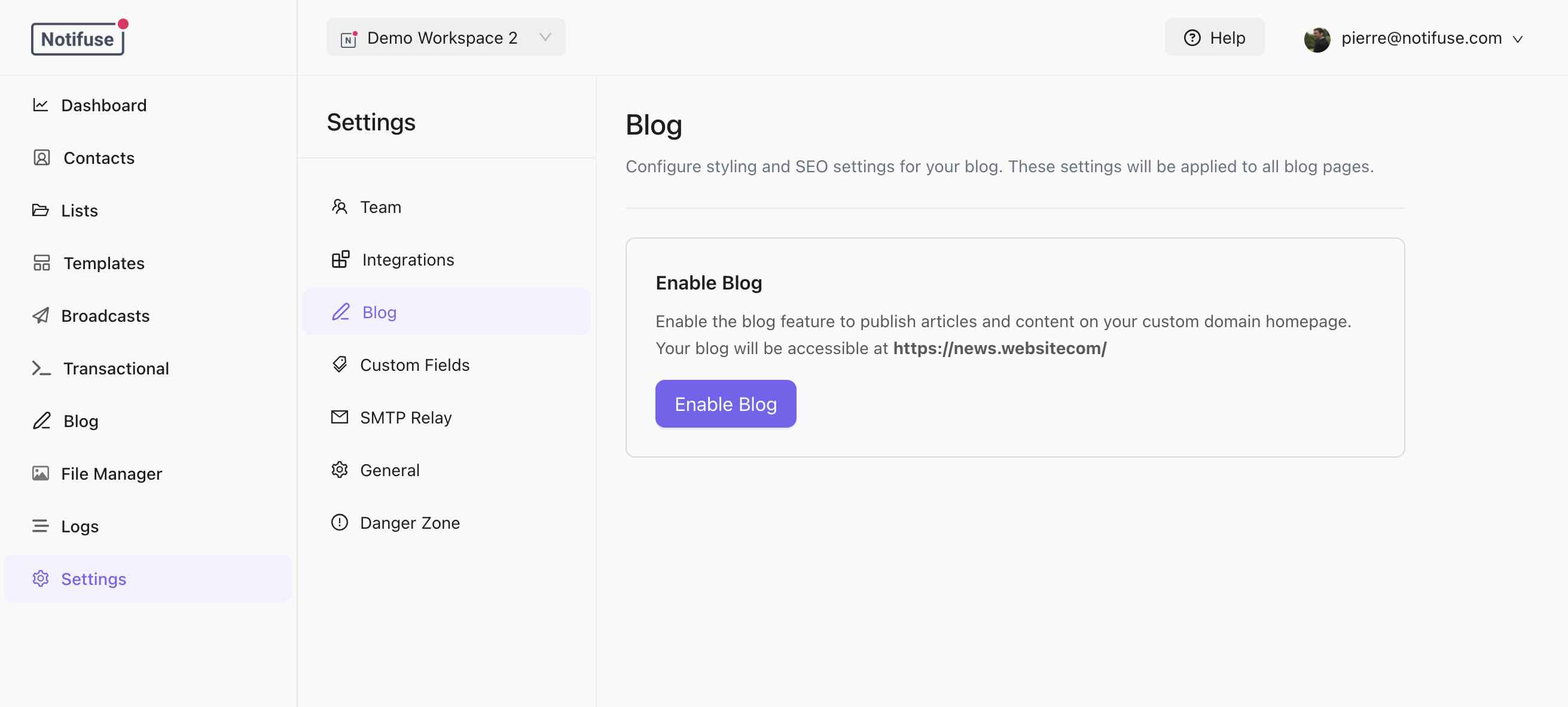
- Go to Settings > Blog
- Toggle Enable Blog
- A default theme is automatically created and published
Custom Domain
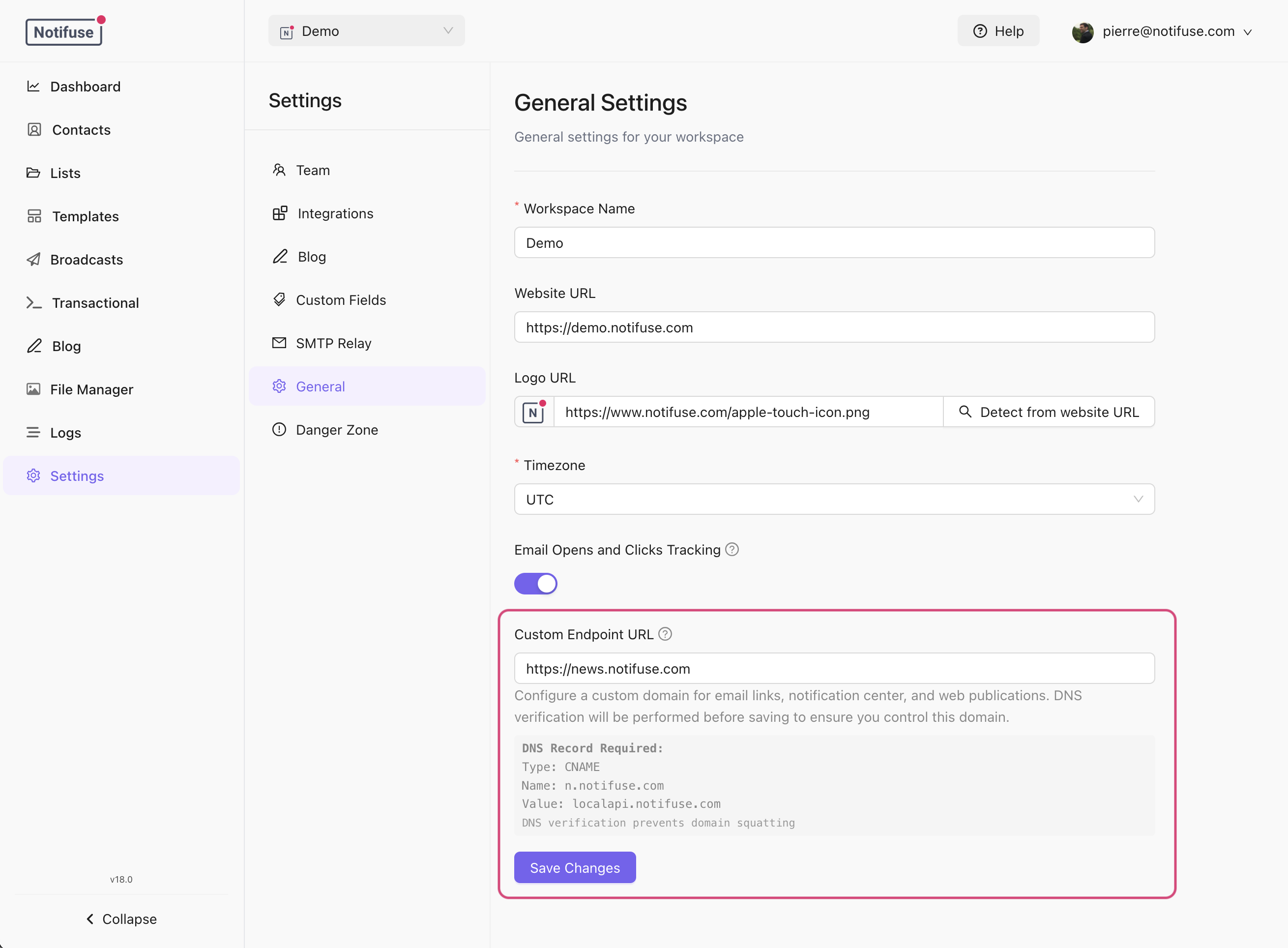
The blog is served at the root path/ of your custom domain. Configure this in Settings > Workspace:
- Set your Custom Endpoint URL (e.g.,
https://blog.example.com) - Point your DNS to your Notifuse instance
- The blog will be available at
https://blog.example.com/
/console.
URL Structure
Blog Settings
SEO Settings
Default SEO settings apply to all pages unless overridden at the category or post level:Auto-Generated Pages
The blog automatically generates:/robots.txt- Allows all crawlers and references the sitemap/sitemap.xml- Lists all published posts with last modified dates
Caching
Blog pages are cached for 5 minutes. Cache is automatically cleared when:- A post is published or unpublished
- A post is created, updated, or deleted
- A theme is published
- A category is modified